


JUN
LOCAL TIME / LOS ANGELES
A SMALL CORNER OF MY WORLD

Hi, I’m Jun.

Product designer who learned to understand people by constantly adapting to new places, cultures, and ways of thinking.

Explore my work

Hi, I’m Jun.

HOVER TO SAY HI

SELECTED PROJECTS / 2025–2026

Work

A LITTLE ABOUT ME

Different places.
Different perspectives.

I’m Jun, a product designer who grew up moving between Seoul, California, and Indiana. Each move meant learning how to navigate unfamiliar places, understand different ways of communicating, and find where I fit in.

Somewhere along the way, I became someone who observes first, asks questions, and likes figuring out why people think and behave the way they do.

That curiosity is what eventually led me to product design.

HI AGAIN! THERE’S A LITTLE MORE TO MY STORY

01 / WHERE I’VE BEEN

Three places. A lot of learning.

I’ve called three very different places home. Each introduced me to different people, routines, and ways of seeing the world.

  1. A traditional Korean pavilion and bridge in Seoul in autumn.

    I spent my early years in Seoul, where my first understanding of the world began. It’s where I grew up before experiencing what it meant to start over somewhere unfamiliar.

  2. Downtown Glendale with the San Gabriel Mountains behind it.

    Moving to California introduced me to a different language, culture, and environment. I had to adjust to unfamiliar ways of communicating and learn how to make sense of a new place.

  3. The Purdue University gateway arch at sunset.

    Indiana became the next chapter, where I started turning my interest in people into a direction for my career. At Purdue, I began studying UX Design and exploring how research, technology, and design can make complicated experiences easier to understand.

02 / HOW I SEE THINGS

I learned to observe before I learned to design.

Moving between different environments taught me that what feels natural to one person can feel unfamiliar to someone else.

That idea has stayed with me.

When I approach a design problem, I try to understand the people experiencing it before deciding what the solution should look like. I enjoy talking with users, finding out where they hesitate or get confused, and questioning assumptions I might otherwise overlook.

To me, good design starts with understanding people, not screens.

  1. 01

    Observe before assuming

    I like paying attention to small behaviors, especially moments when people pause, hesitate, or find their own ways around a problem. Those moments often tell me more than the interface itself.

  2. 02

    Make the unfamiliar feel familiar

    Having experienced unfamiliar environments myself, I’m interested in reducing that same feeling when people use digital products. I want to make complicated systems feel easier to navigate and understand.

  3. 03

    Understand both people and systems

    My UX Design major and minors in Management and Anthropology have shaped the way I approach problems. I think about people’s behaviors and needs, but also the constraints, goals, and decisions behind the products they use.

03 / THE WORK THAT SHAPED ME

Learning through making, testing, and asking questions.

At Purdue, I’ve had opportunities to work on real problems with teams, clients, and organizations. Some experiences taught me how to simplify complex systems. Others taught me how to communicate ideas, work with different perspectives, and learn from feedback.

PRODUCT DESIGNER · JANUARY–MAY 2026

Microsoft CE&S BI Request Intake

  • Worked on a BI request intake experience for Microsoft Customer Experience & Success.
  • Designed for an internal audience of more than 20,000 employees.
  • Worked on clearer request flows, terminology, progress visibility, and status tracking.
  • Led high-fidelity prototyping and design-system work.
  • Contributed to user interviews and iterative usability testing.
Read the case study
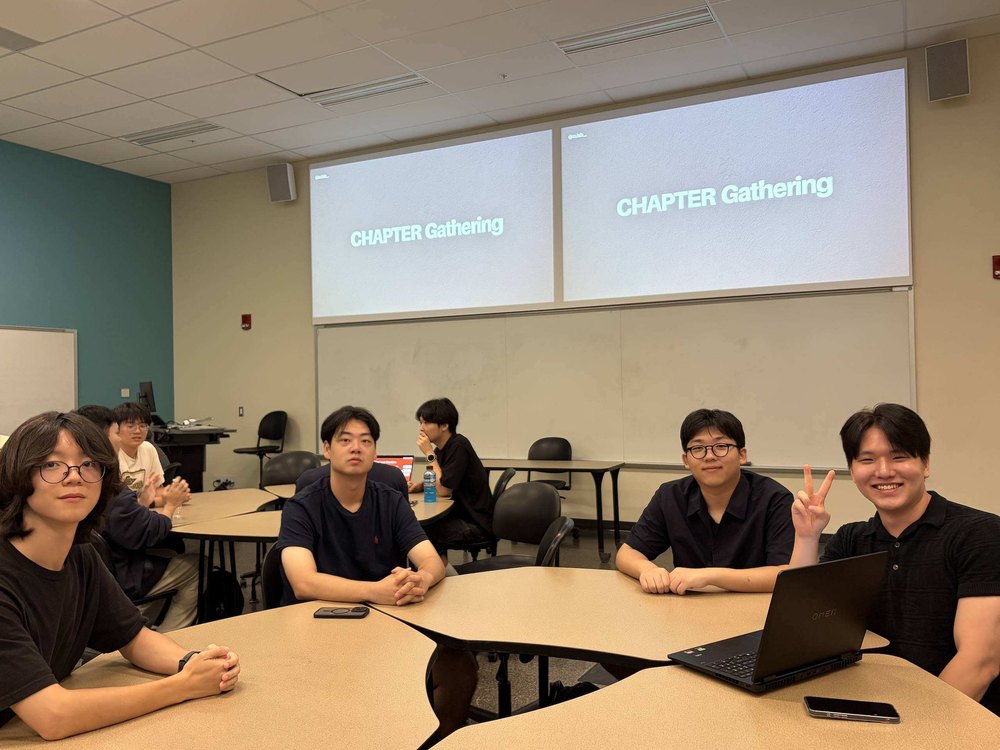
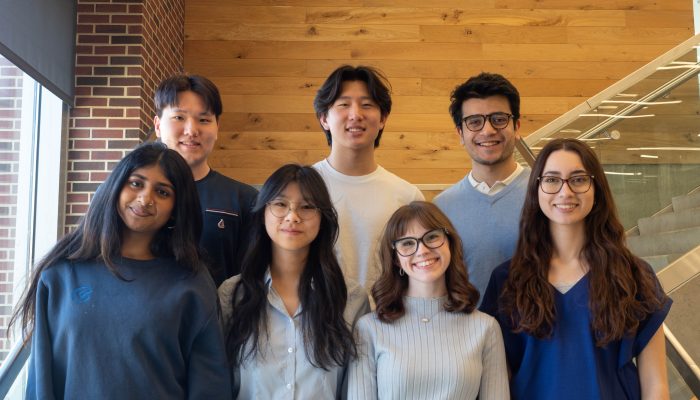
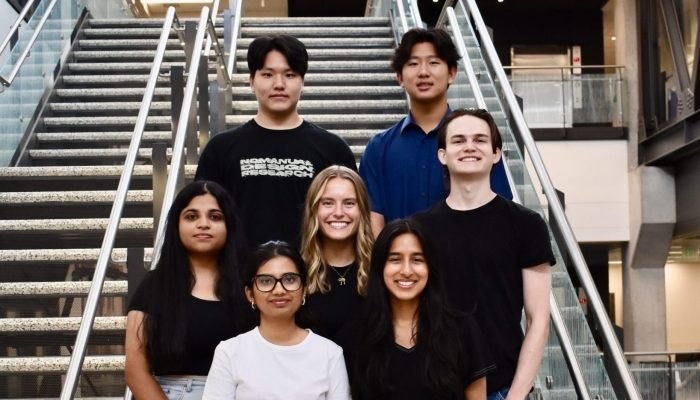
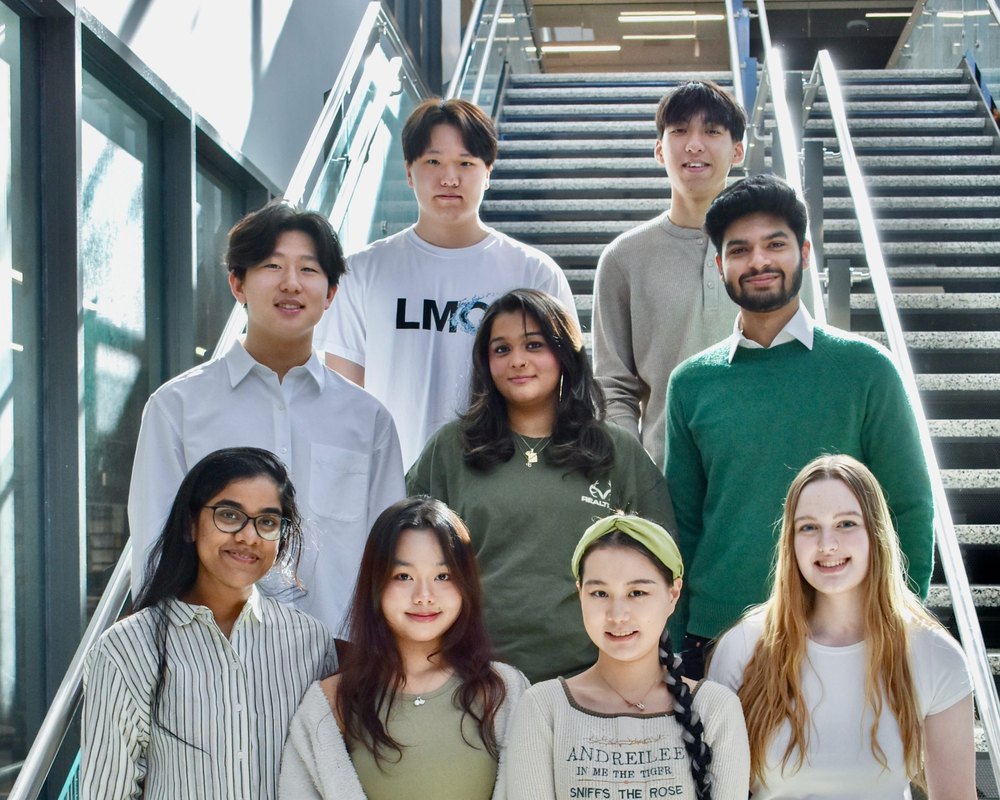
Our Microsoft project team.
Our Microsoft project team

WHAT IT TAUGHT ME

Working on this project showed me how even small changes in language, structure, and feedback can make a complex enterprise system easier to navigate.
04 / A LITTLE MORE ABOUT ME

A few more pieces of me.

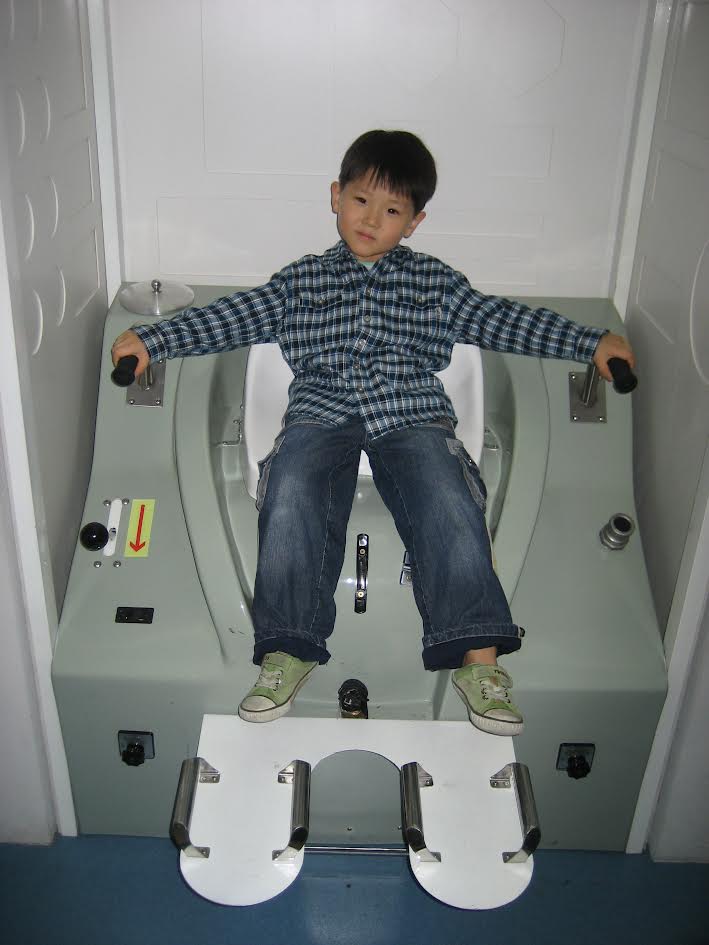
Jun as a child.
01A much younger JunA much younger me. Same Jun, smaller shoes.
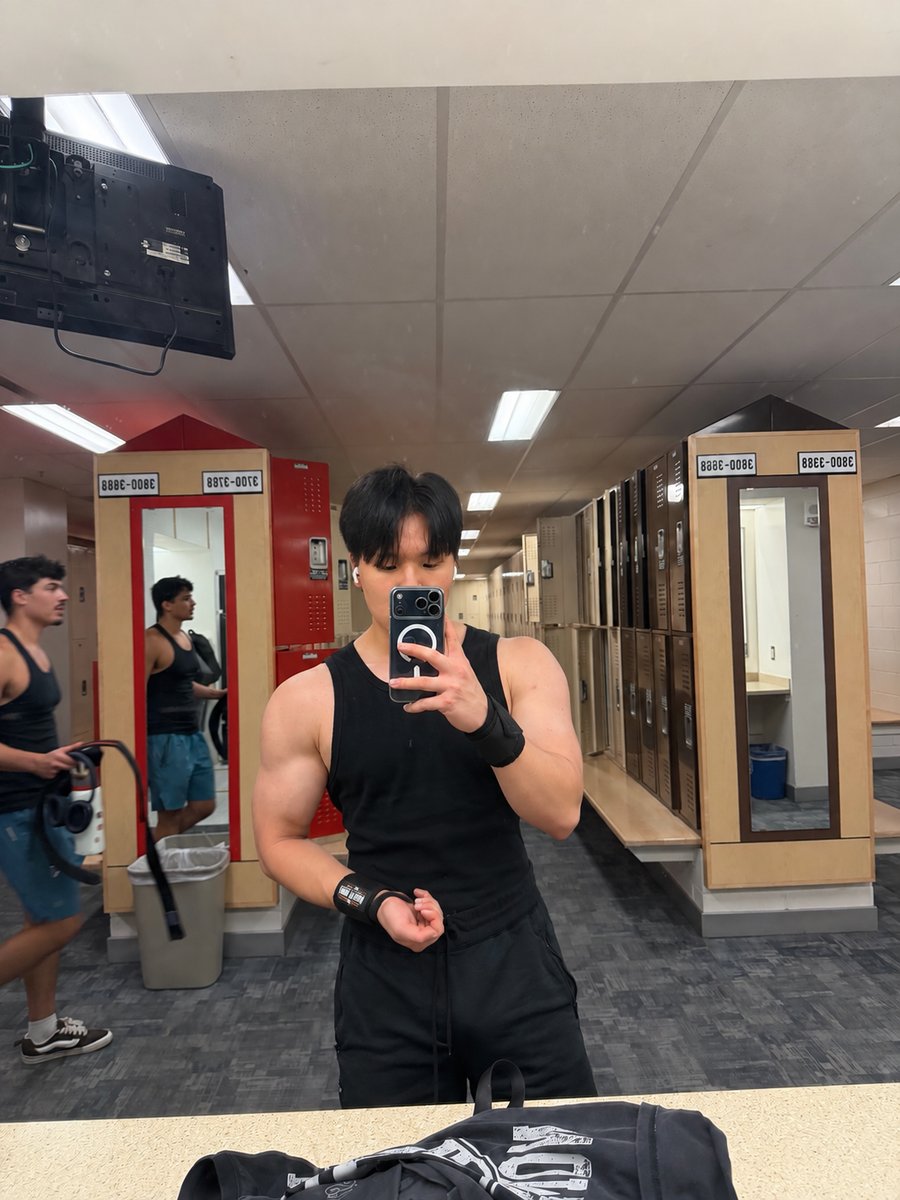
Jun at the gym.
02Time for the gymI love working out and bodybuilding!
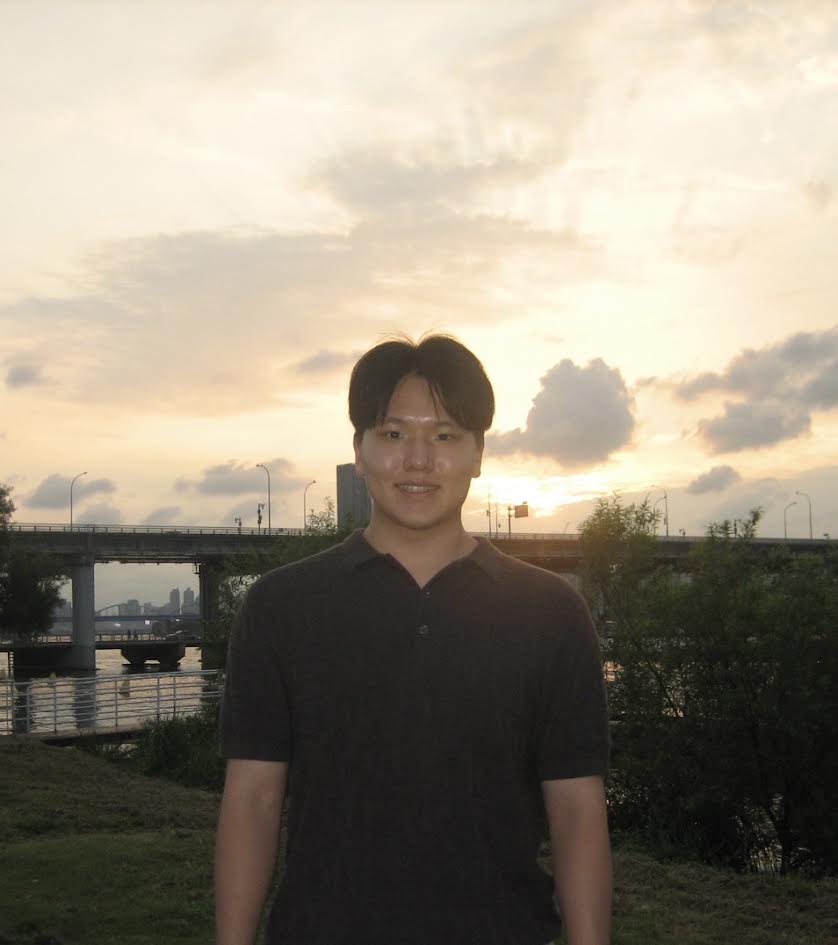
Jun at sunset.
03Outside the screenJust me, enjoying a little time outside.

THAT’S A LITTLE ABOUT ME

Still curious. Still figuring things out.

I’m still learning what kind of designer I want to become. But I know I enjoy understanding people, asking questions, and turning complicated ideas into something others can actually use.

If you’re working on something interesting, or just want to talk about design, I’d love to connect.

THANKS FOR STOPPING BY!

MY TOOLBOX

From a question
to something you can try.

FigmaInterface design & prototyping
Figma MakeAI-assisted prototype exploration

THINGS I’M BUILDING

Playground

THINGS I SEE EVERY DAY

Infinite Archive

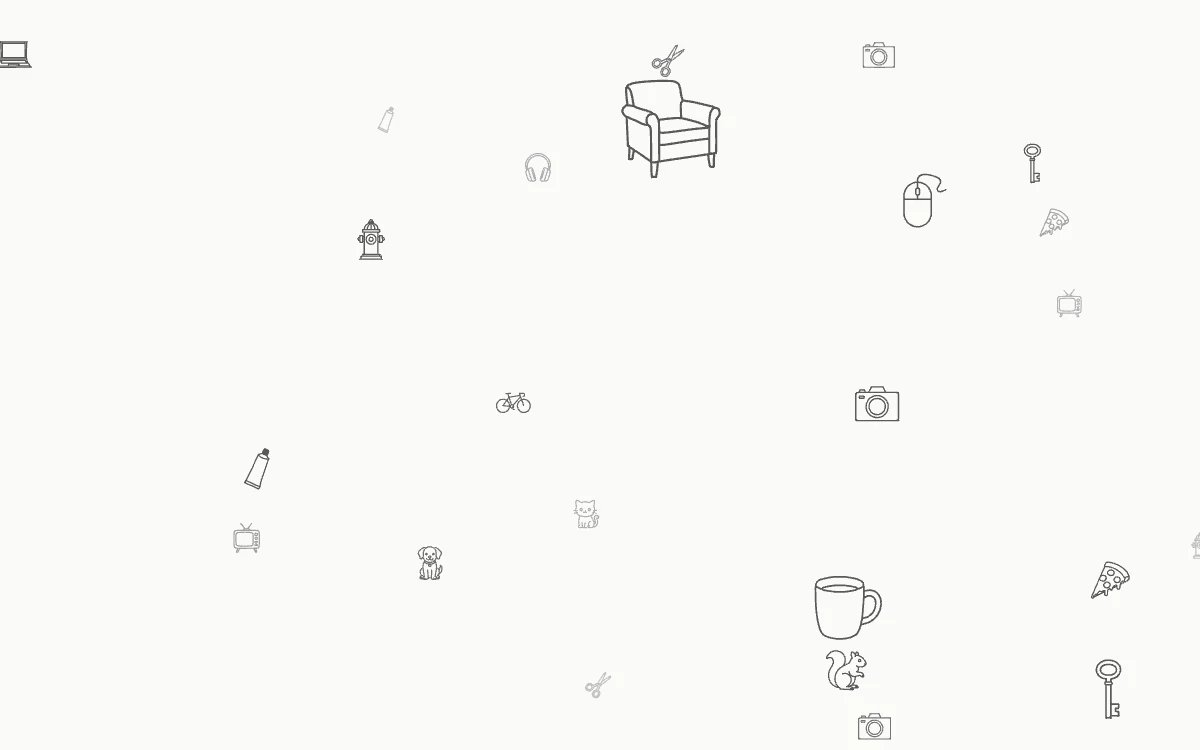
An archive of everyday things I notice, each one a tiny line drawing floating in an endless space. Scroll to drift forward and back; every drawing sketches itself the first time you see it.

Open the archive
AN INTERACTIVE ROOM

Jun’s Room

Step inside my space: a desk full of ideas, a familiar guitar, and a curious cat. Look around and make yourself at home.

HAND-TRACKED SKETCHING

Sketch Desk

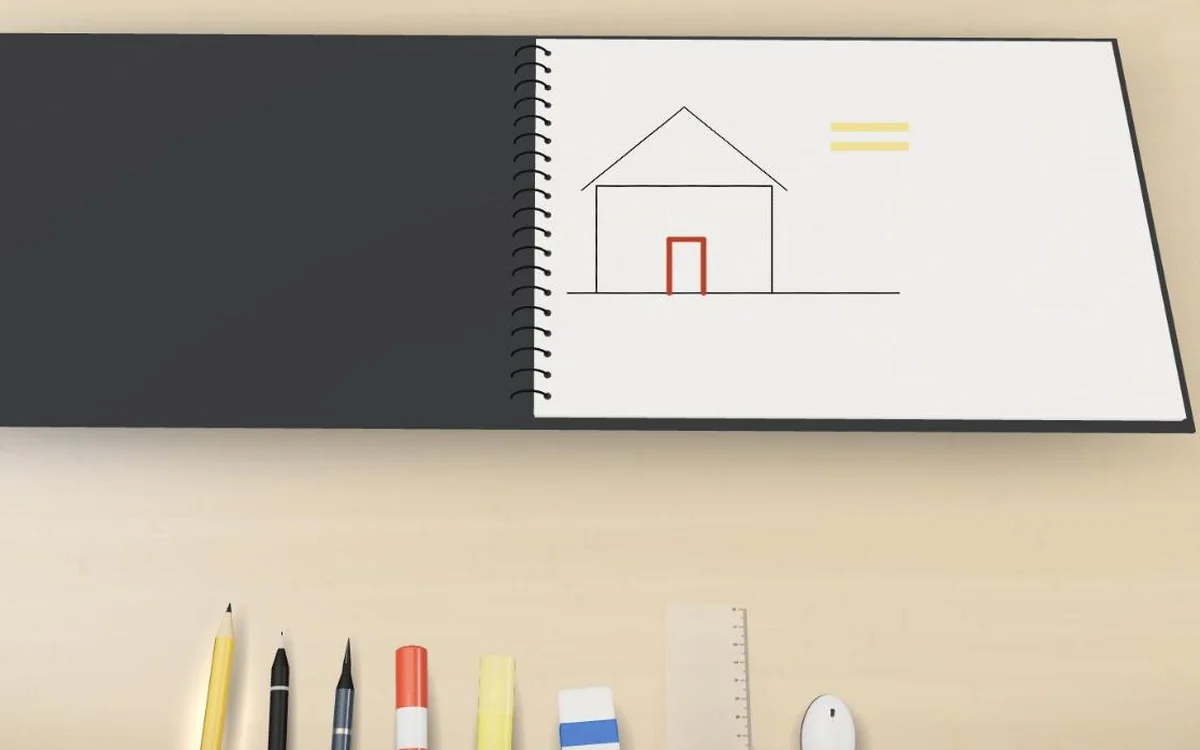
A sketchbook on a 3D desk that you draw on with your hand. Pinch your thumb and index finger to draw, make a fist or open your palm to change the brush, and swipe to turn the page. A webcam is needed for hand drawing; a mouse works too.

Open sketch desk

A LITTLE SOMETHING TO MAKE YOUR OWN

Your keys. Your style.

Two from me. Three from you. Build your own keycap keyring.

0 / 3 CUSTOMIZED
YOUR KEYRINGPRESS A KEY TO HEAR IT
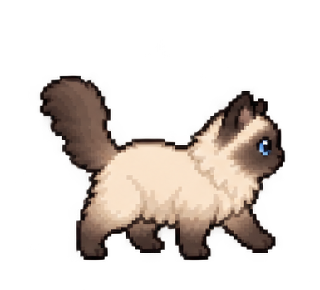
THE CAT
JUN

Press a key to hear it. Choose Edit keyring to change the sound or draw.

Made by you, pixel by pixel.

Saved on this browser. Your keyring is only visible to you.

DESIGNED WITH CURIOSITYAND A LITTLE COMPANY.

A LITTLE ROOM TO FEEL AT HOME

Jun’s Room

Loading the room…

Choose your companion

MAKE SOME ROOM

Add to your playground

ObjectNameAdd

YOUR KEY

Make it yours.

Draw on the key. Ctrl + Z to undo.

Keyboard: arrow keys to move · Space to paint
#F3DFB1
Custom color